Installation Guide
Download Corixa Pulse from the Mac App Store, grant directory access, and start tracking your Claude Code usage in minutes.
Download from the Mac App Store
Corixa Pulse is available as a free download on the Mac App Store.
Open the App Store
Visit the Corixa Pulse listing on the Mac App Store, or search for "Corixa Pulse" directly in the App Store app on your Mac.
Click Get / Install
Click the Get button, then Install. The app will download and appear in your Applications folder automatically.
Launch Corixa Pulse
Open the app from your Applications folder, Launchpad, or use Spotlight (Cmd + Space) and type "Corixa Pulse".
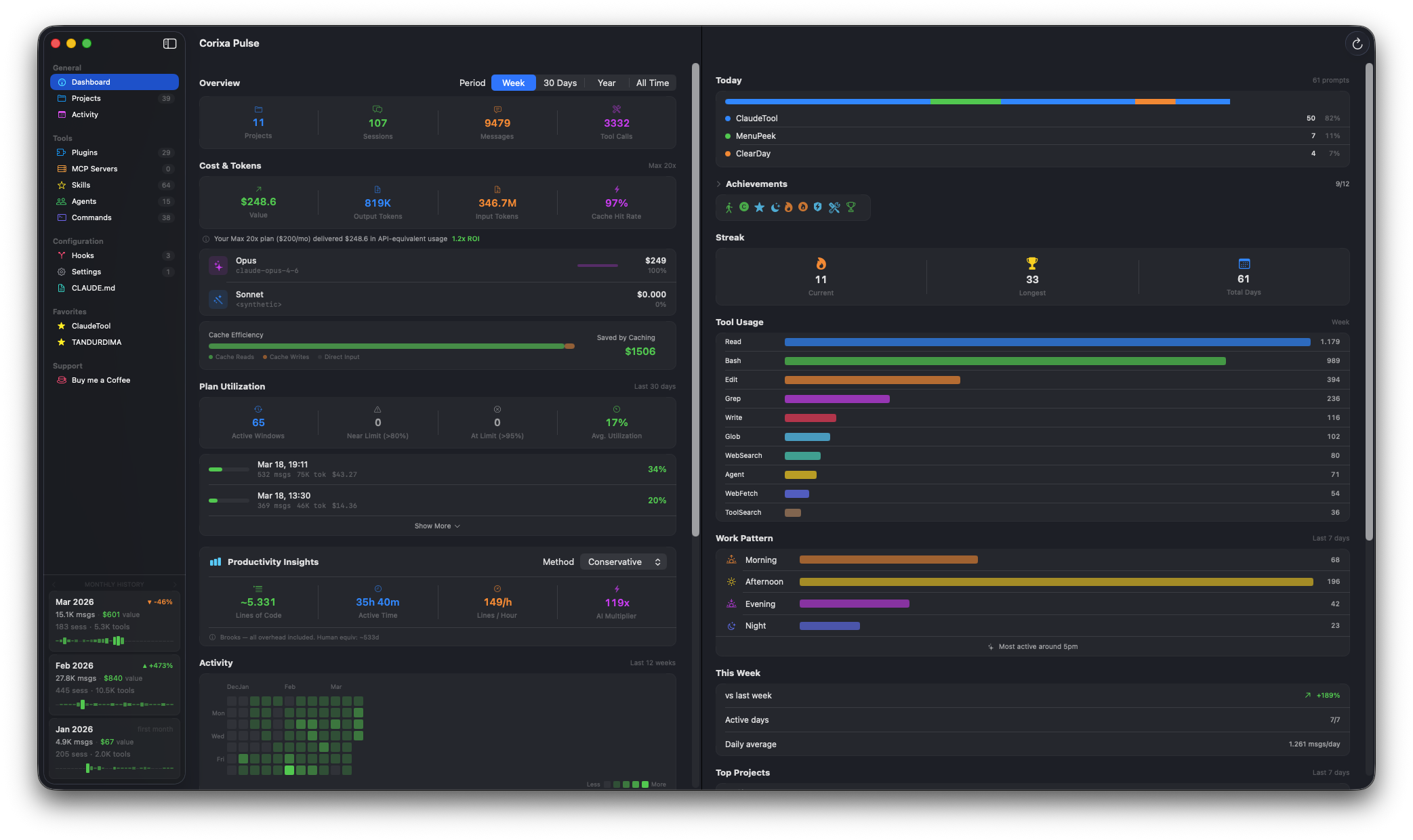
What you'll see after installing and granting access
First Launch: Directory Access
On first launch, Corixa Pulse will ask you to grant access to your ~/.claude/ directory. This is the folder where Claude Code stores session data on your Mac.
Why Access Is Needed
Corixa Pulse is a sandboxed Mac App Store app. It cannot access files outside its sandbox without your explicit permission. The ~/.claude/ directory contains:
- Session logs — JSONL files with your conversation history, tool calls, and token usage
- Project metadata — which projects you've used Claude Code in, and when
- Configuration files — your CLAUDE.md, settings, and installed tools
Security-Scoped Bookmarks
When you select the ~/.claude/ directory, macOS creates a security-scoped bookmark. This means:
- You only need to grant access once — the bookmark persists across app restarts
- The app has read-only access to the directory you selected
- macOS enforces that the app cannot access any other part of your filesystem
- You can revoke access at any time by resetting the app's permissions in System Settings
~/.claude/ directory.
Plan Selection
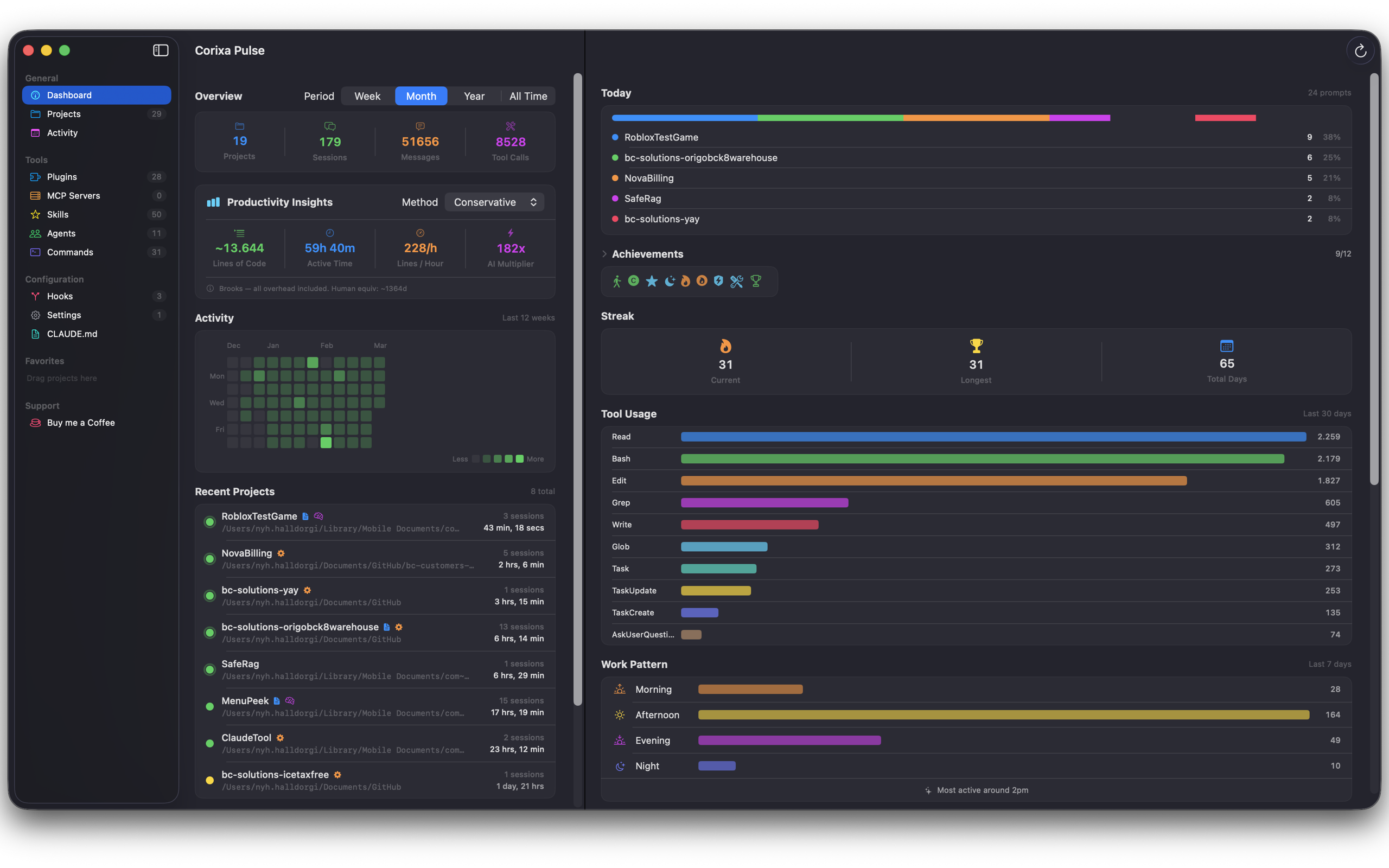
On first launch, you'll be asked to select your Claude subscription plan. This is used to calculate accurate utilization metrics in the dashboard.
| Plan | Description |
|---|---|
| Pro | Standard Claude Pro subscription |
| Max 5x | Claude Max with 5x usage limits |
| Max 20x | Claude Max with 20x usage limits |
Your plan selection determines how the Plan Utilization widget calculates your usage against the 5-hour rolling windows. You can change your plan at any time in Settings.
Next Steps
Now that Corixa Pulse is installed, explore what it can do: