 Corixa
macOS 14.0+ · Apple Silicon
Every project, exactly where you left it.
Give each client, project or role its own space: the web apps, folders, notes, agenda and AI you use for it, open and ready. Switch the whole thing with one key.
Free for the Start space and two of your own · Pro $29.99 one-time · Coming to the Mac App Store
One space, one job · shown with a sample space
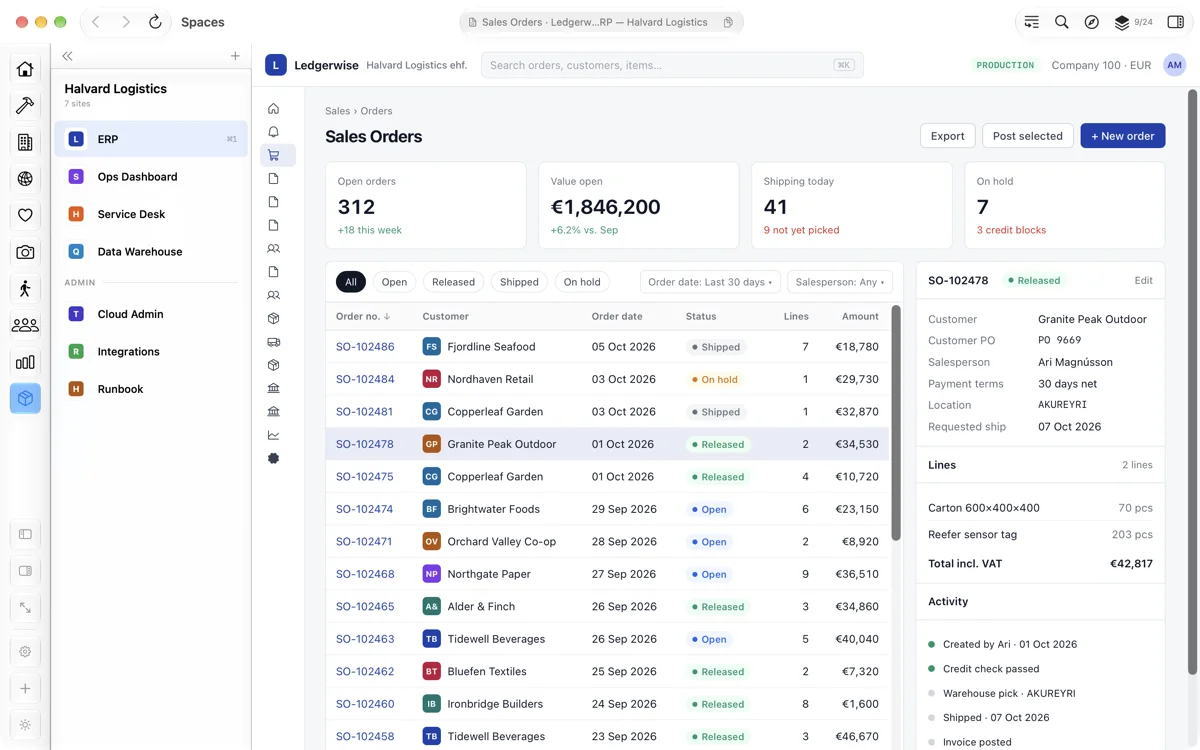
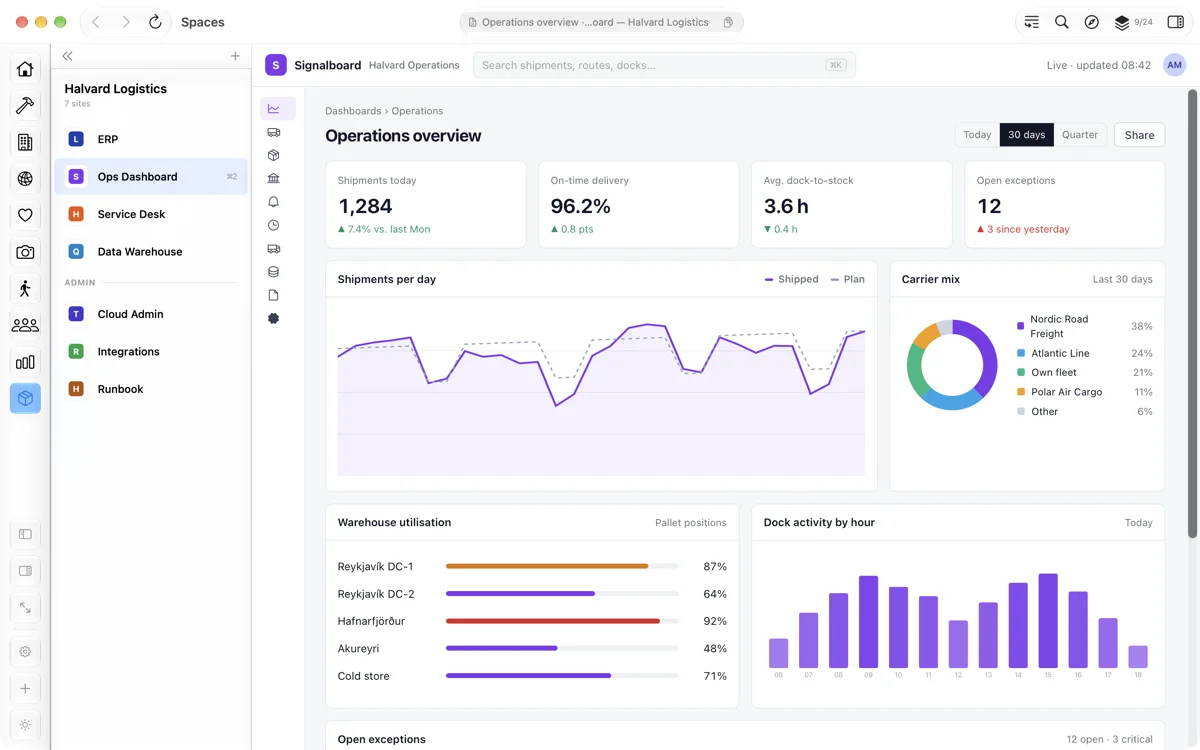
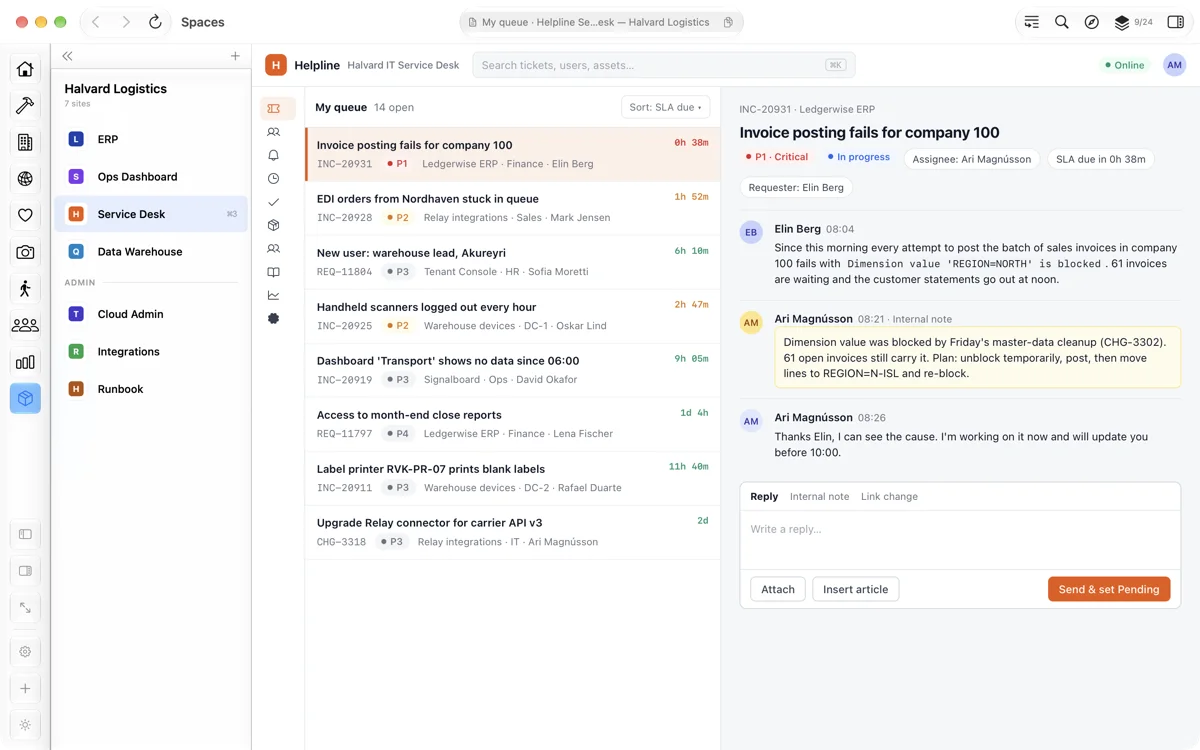
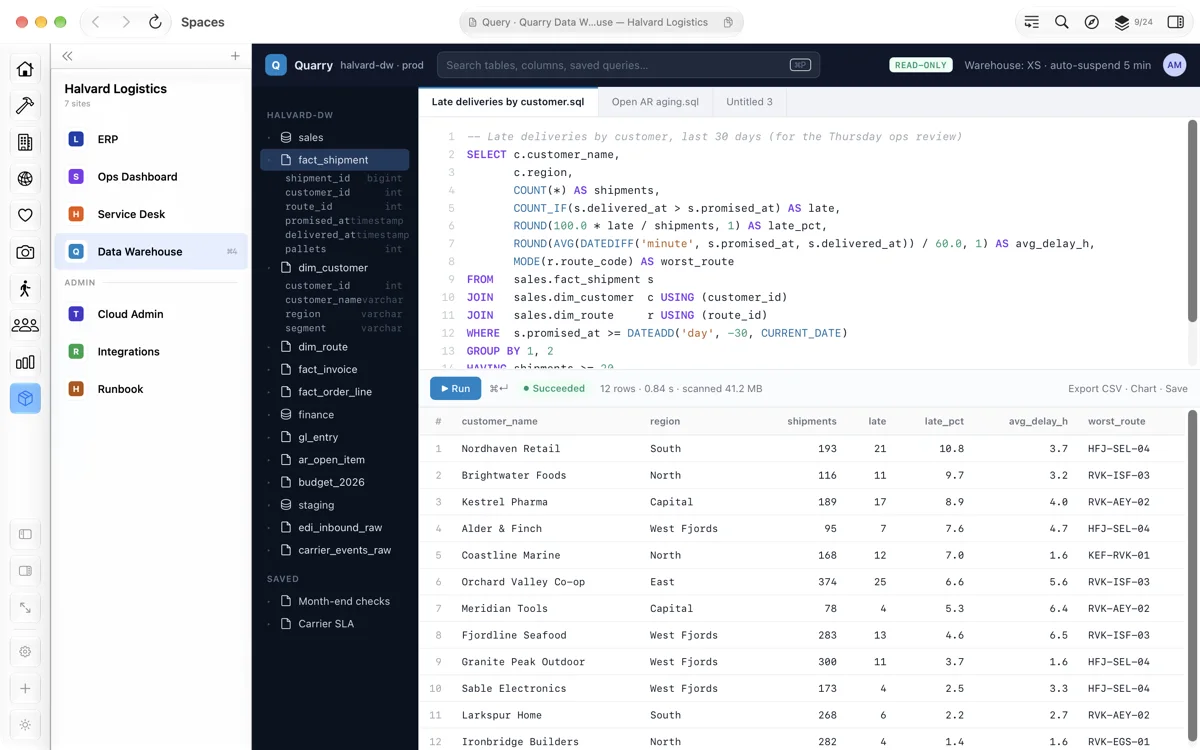
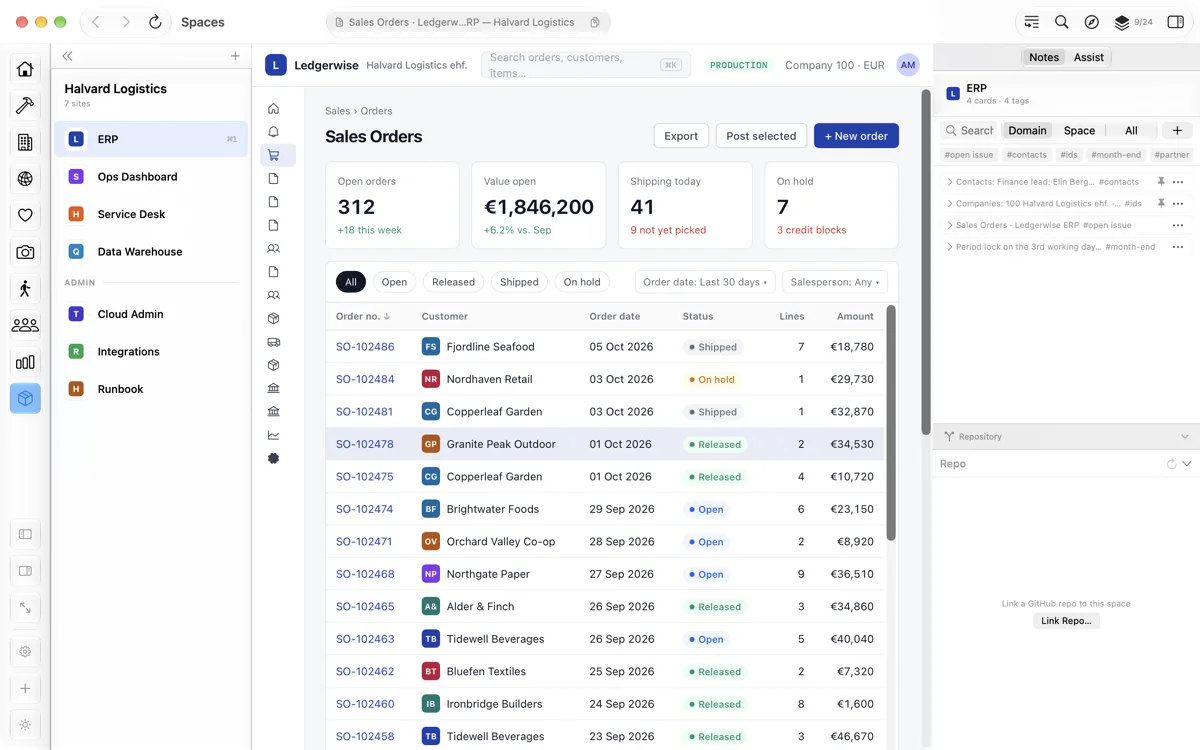
One key to switch
⌥⌘1–9 swaps the whole space. Pages stay loaded, scrolled and signed in.
Everything for the job
Web apps, local folders, a terminal, AI Chat and your agenda, as panels in one rail you arrange once.
Notes beside each site
IDs, contacts and open issues, kept next to the live page.
Its own sign-ins
Each space signs in on its own, so the same web app can be open for different clients side by side.
One space per job
However you split your work, each part gets a space of its own.
Consultants
A space per customer, with their ERP, shared documents and your notes on each system.
Developers
A space per project: the web tools, a terminal, and the repository's pull requests and issues.
Administrators
A space per tenant, each with its own admin portals and sign-ins.
Work and personal
Your own accounts and pages in a space of their own, out of the way of work.
Beside the work, in the same space
Panels aren't only websites. Keep the tools you reach for next to the work itself.
Agenda
Today's meetings and reminders from your calendars, in a panel of their own.
Your repository's activity
Link a space to a GitHub repository or owner to see open pull requests, review requests, assigned issues and mentions.
Ask about the page
Ask questions about the page you're reading. Needs macOS 26 with Apple Intelligence.
AI Chat
Chat with documents you add, using a model you download, Ollama on your Mac, or Apple Intelligence.
Set up once, hand it on
Set a space up once and keep it, or hand it to someone else.
Send a space as a file
A colleague gets the same apps and layout, and signs in with their own accounts.
Back up and restore
Back up every space's apps, layout and notes, and bring them back in one step.
Pricing
If you don't buy, spaces beyond two keep their sites and notes, but their panels open again only with Pro. Nothing is deleted.
$0 to start
- The Start space plus two of your own
- Unlimited panels in each space
$29.99 One-time purchase
- Unlimited spaces
- Family Sharing
- A free 14-day trial when you add a third space