Skip to content

Corixa for macOSOn the Mac App Store

Save it once.
Find it forever.

A Mac library for the pages, videos and notes you mean to come back to — with your YouTube subscriptions synced in.

macOS 15 or later · Free to download · Pro for unlimited summaries

The app

A calm library, not another inbox.

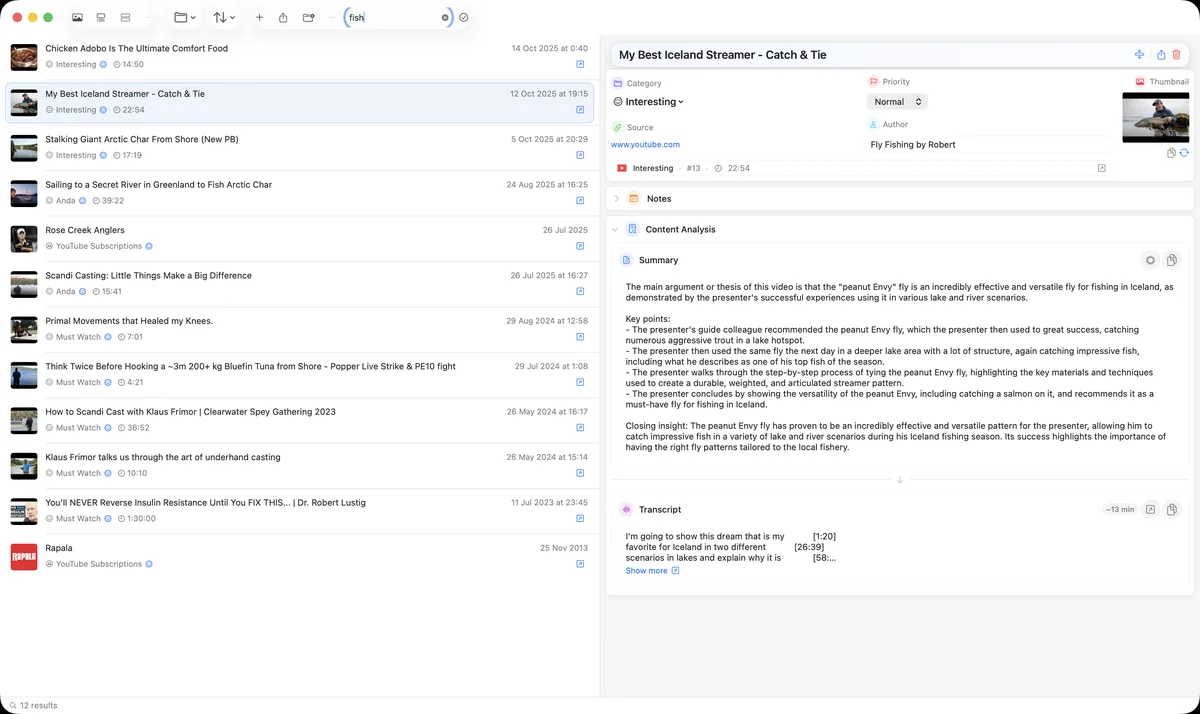
Corixa library: saved YouTube videos in a list, the selected video's details and its summary on the right
Search as you typeType in the toolbar and the list filters in place — here, 12 results for “fish”, each with its notes, transcript and summary.
01 · Capture

Save from anywhere

One click in Safari or Chrome. Pages, videos, PDFs and notes land in the category you pick.

02 · Sync

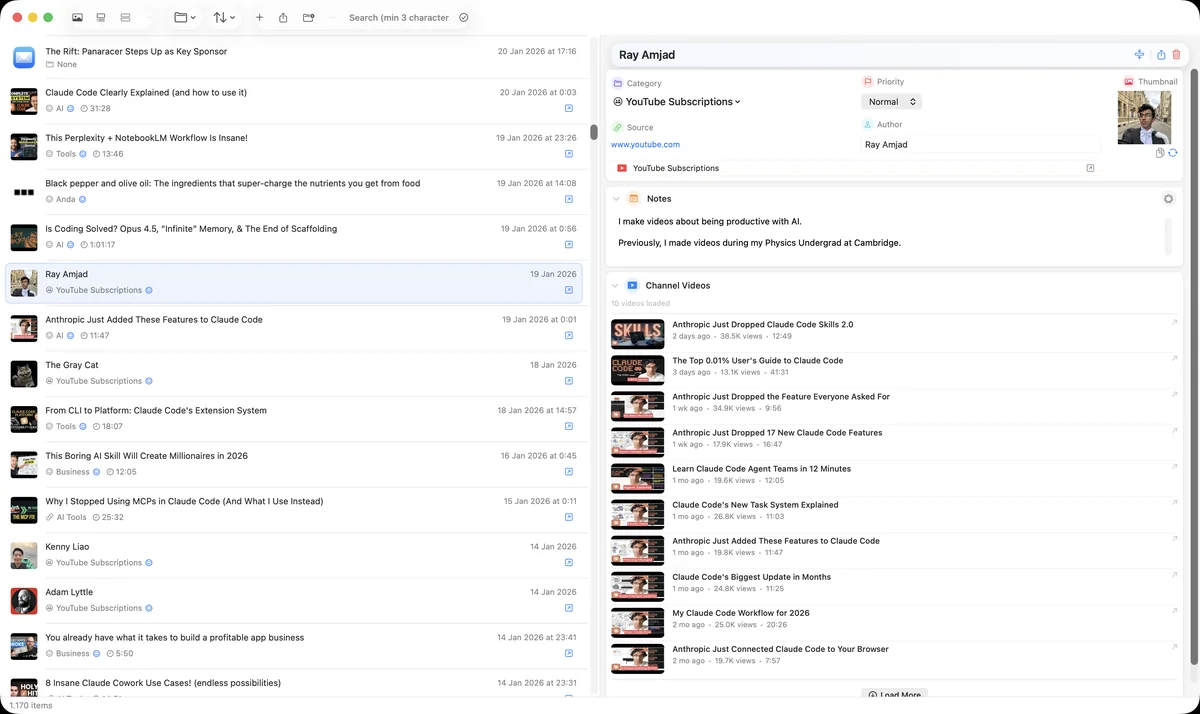
Your YouTube, synced

Subscriptions and playlists come across with a free Google account. No YouTube Premium needed.

03 · Summarize

Read before you watch

Summaries turn a half-hour video or a long article into a paragraph you can skim.

04 · Find

Find it again

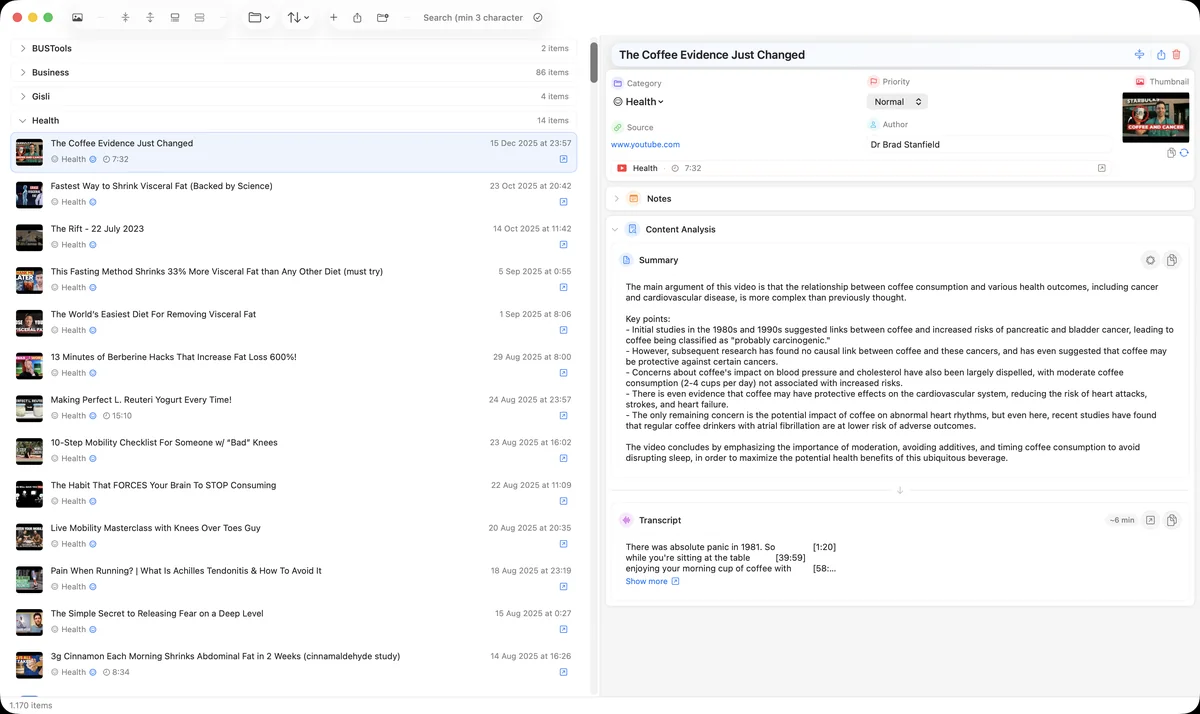
Categories with their own icons and colours, priorities, and instant search across your library.

Safari extension included

Ships inside the app. Enable it once in Safari's settings.

Chrome extension

From the Chrome Web Store, talking to the app through a small native helper.

Subscription feed

Recent videos from every channel you follow, in one list you can save from.

Transcripts

Pull a video's transcript into the item to read, copy or summarize.

Backups on your schedule

Full-library backups with weekly, fortnightly or monthly reminders.

Made for the Mac

SwiftUI throughout, keyboard shortcuts, drag and drop, light and dark.

Browser extensions

Save without leaving the page.

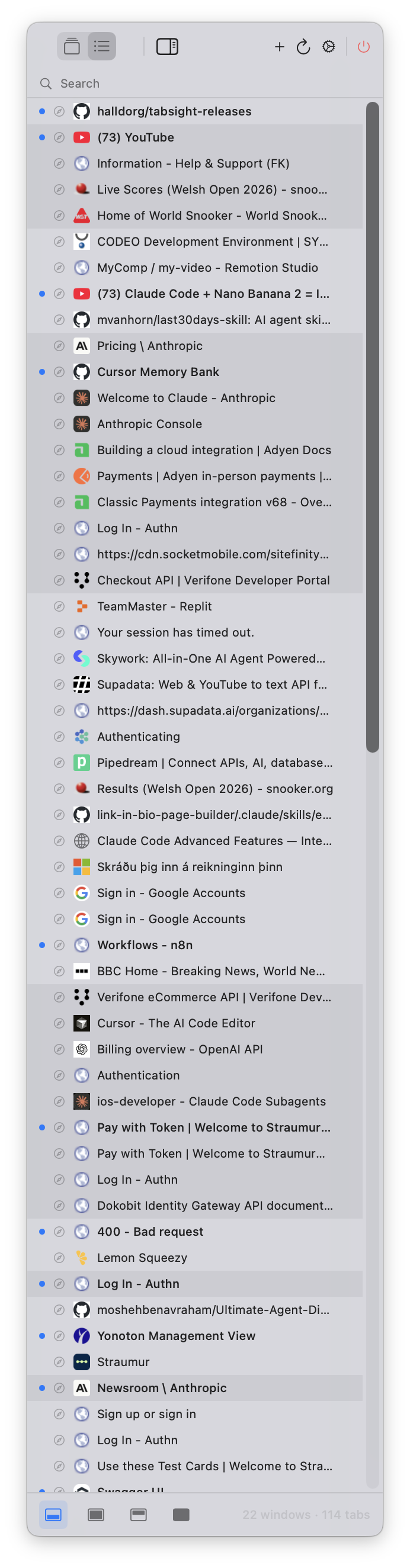
The Safari extension ships with the app. The Chrome extension comes from the Chrome Web Store and hands pages to Corixa in the background — no window switching.
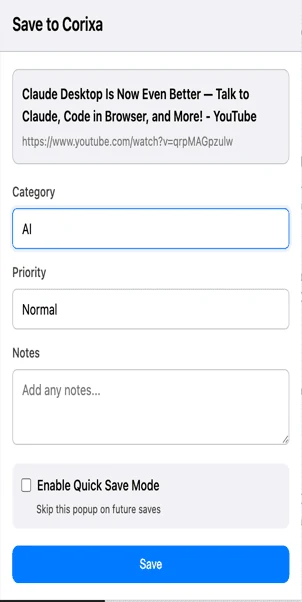
The Save to Corixa popup in Chrome with category, priority, notes and Quick Save Mode
FAQ

Questions, answered

All support topics

How do I sync my YouTube subscriptions to Mac?
Simply sign in with your free Google account in Corixa, and your YouTube subscriptions will sync automatically. You can browse all your subscribed channels and their recent videos directly in the app. No YouTube Premium required.
Can I sync YouTube playlists to my Mac?
Yes. Corixa syncs the YouTube playlists you choose, so you can organize and browse them in Corixa, even offline. YouTube's API doesn't reliably expose Watch Later, so a playlist of your own (for example “To Watch”) is the dependable way to queue videos.
Do I need YouTube Premium to use Corixa?
No! Corixa works with any free Google/YouTube account. Just sign in with the same account you use for YouTube, and you'll have full access to sync your subscriptions, playlists, and video library.
Can I browse videos from my YouTube subscriptions?
Yes! Corixa shows you recent videos from all your subscribed YouTube channels in one unified view. You can filter by channel, save videos to custom categories, and never miss content from your favorite creators.
What else can I save besides YouTube videos?
Corixa can save web pages, emails, PDFs, images, documents, and notes. Use our Safari and Chrome browser extensions to save any web content with a single click, and get AI-powered summaries automatically.

More from Corixa. Native apps for the Mac and iPhone.

All apps

Start your library. macOS 15 or later.