Statistics & History
Corixa Pulse persists your usage statistics locally so you never lose historical data, even after Anthropic's retention period expires.
Historical Statistics Rollup
Corixa Pulse automatically aggregates your Claude Code usage into monthly summaries and stores them as local JSONL files. This process is called the historical statistics rollup.
What It Is
Every time you open Corixa Pulse, it scans your ~/.claude/ directory for session data. For sessions that are still within Anthropic's retention window (typically ~30 days), the app reads the full JSONL files. For older periods, it relies on the locally persisted monthly summaries.
How It Works
- Daily scanning — on each launch, the app checks for new session data and updates the current month's statistics
- Monthly rollup — at the end of each month, a complete summary is written to a local JSONL file
- Incremental updates — only new or changed data is processed, keeping launches fast
- No data loss — even if Anthropic removes old session files, your monthly summaries remain intact
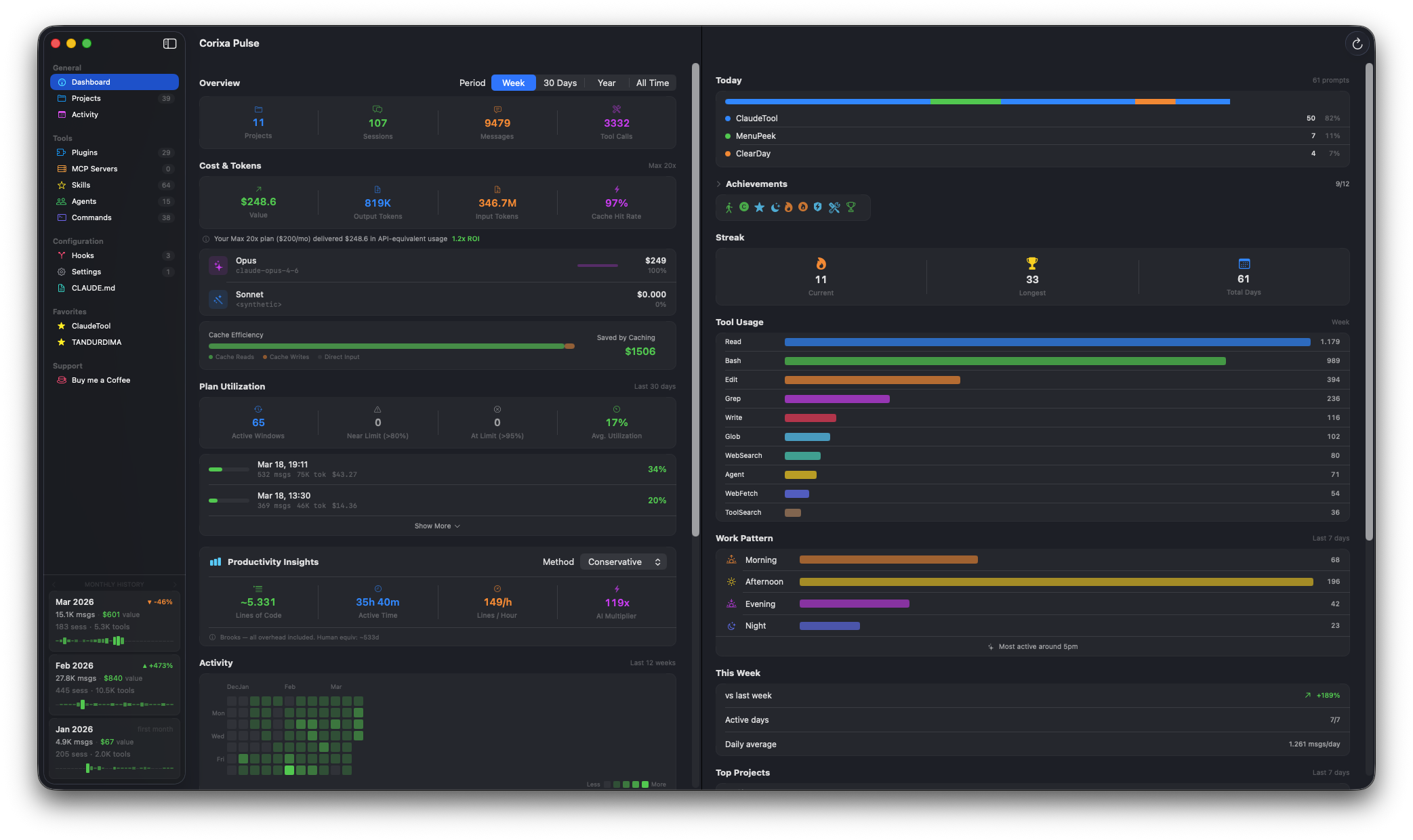
Historical data powers the dashboard's long-term analytics and monthly sidebar cards
Monthly History Cards
The dashboard sidebar displays monthly summary cards, each showing:
| Metric | Description |
|---|---|
| Messages | Total messages exchanged during the month |
| Cost | API-equivalent value of the month's usage |
| Sessions | Number of Claude Code sessions started |
| Tool Calls | Total tool invocations during the month |
| Trend % | Percentage change compared to the previous month |
| Sparkline | A mini chart showing daily activity distribution within the month |
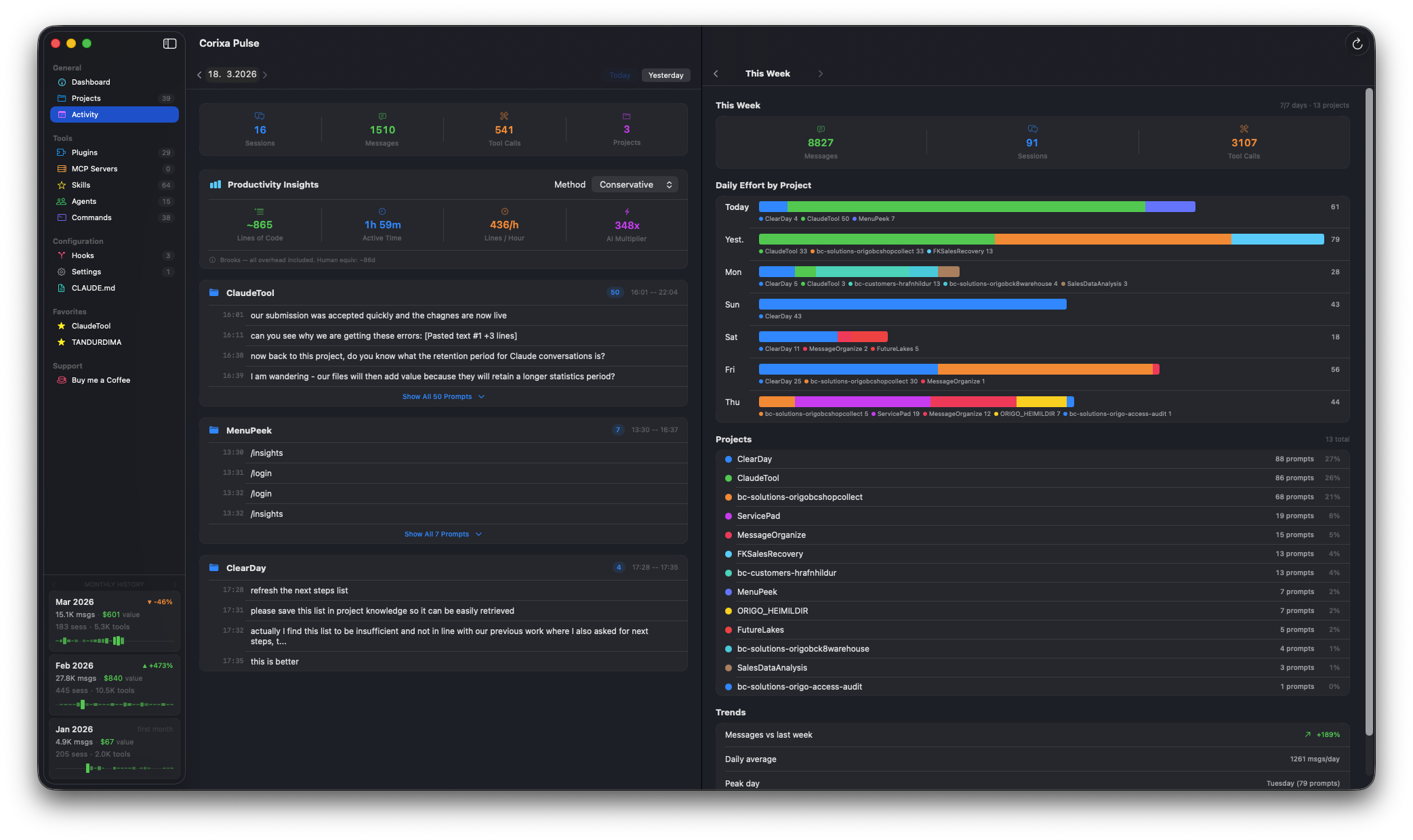
Monthly history cards with sparklines and month-over-month trends
Period Filtering with Historical Data
The dashboard's period filter leverages historical statistics for longer time ranges:
- Week and 30 Days — use live session data from
~/.claude/ - Year — combines live data with up to 12 months of historical summaries
- All Time — shows your complete history, from the first month Corixa Pulse captured data
Backup & Restore
You can export and import your historical statistics from the app's Support page:
Export
- Navigate to the Support page in the app
- Click Export Data to save your historical statistics as a file
- Store the export somewhere safe (iCloud Drive, external disk, etc.)
Import
- On the Support page, click Import Data
- Select a previously exported file
- Historical statistics will be merged with any existing data
Data Retention
Understanding how data flows between Anthropic and Corixa Pulse:
| Data Source | Retention |
|---|---|
Anthropic session files (~/.claude/) |
~30 days (controlled by Anthropic / Claude Code) |
| Corixa Pulse historical data | Indefinite (local JSONL files on your Mac) |
This is the core value of the historical statistics feature: your monthly usage data persists locally in JSONL files that outlast Anthropic's ~30-day retention period. As long as Corixa Pulse has had the chance to scan your sessions before they expire, you'll have a permanent record of your usage.