What AI models can I use?
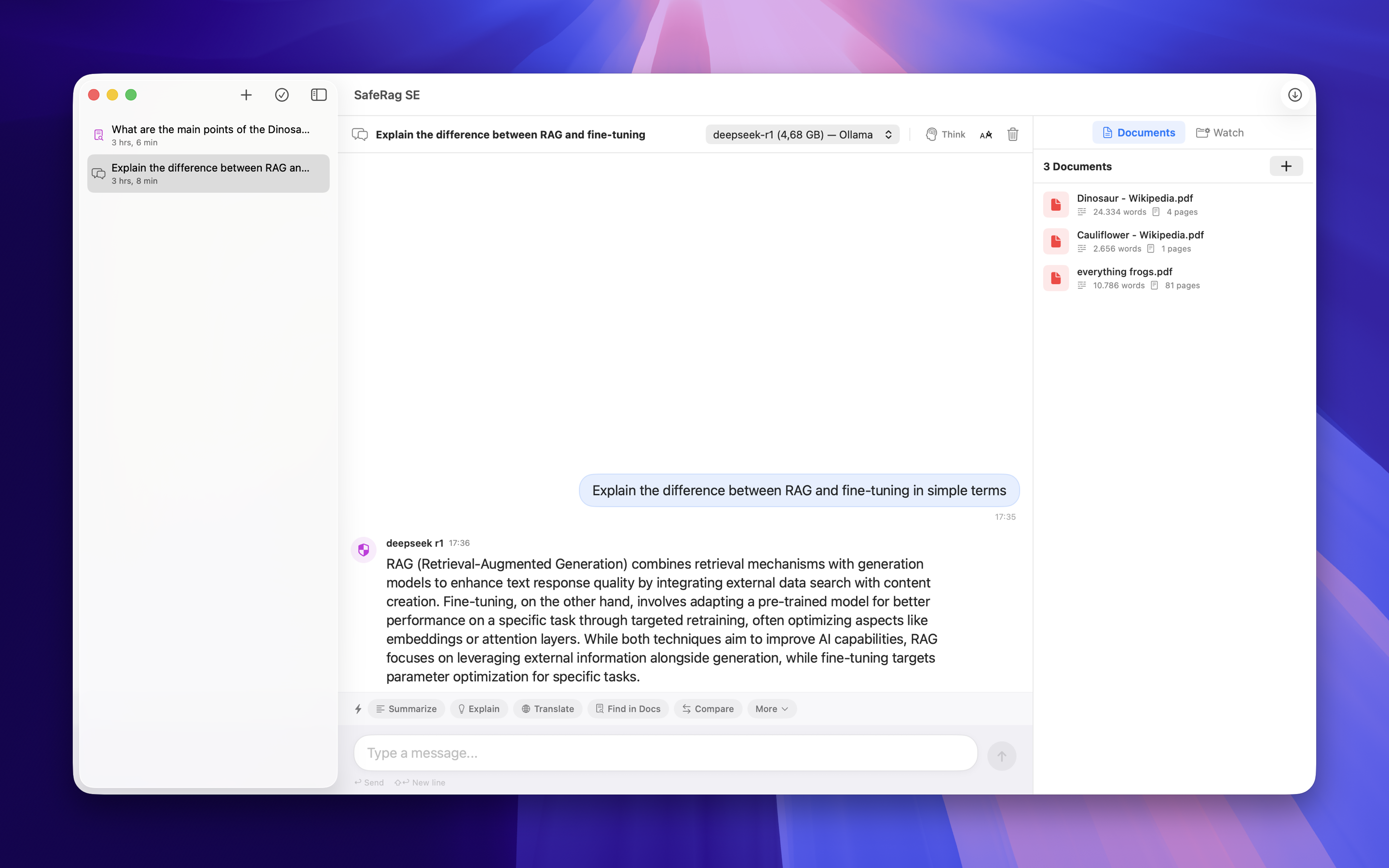
SafeRag SE includes a built-in AI engine powered by llama.cpp. You can download and run popular models like Llama, Mistral, Gemma, and more directly within the app. On macOS 26+, Apple Foundation Models are also available with no download required. You can optionally connect to Ollama if you have it installed.
Is SafeRag SE free?
Yes, SafeRag SE is free to download and use with core features including chat, document upload, and encryption. Optional in-app purchases unlock additional capabilities.
How is SafeRag SE different from SafeRag?
SafeRag SE is the personal edition for individual users, available on the Mac App Store with built-in AI models and zero setup. SafeRag is the enterprise edition with HIPAA/GDPR compliance, multi-user RBAC, full audit logging, and is distributed as a direct download for organizations in regulated industries.
Does my data leave my Mac?
No. All AI processing, document analysis, and data storage happen entirely on your Mac. SafeRag SE only uses the network for downloading AI models and App Store purchase verification. Your conversations and documents never leave your device.
What about Apple Foundation Models?
On macOS 26 (Tahoe) and later, SafeRag SE can use Apple's on-device Foundation Models. These run through Apple's secure on-device infrastructure — no download needed, instant availability, and completely private.
Do I need Ollama?
No. Unlike SafeRag, the SE edition has a built-in AI engine (llama.cpp) that runs models directly. Ollama is entirely optional — you can connect to it if you already have it installed and prefer its model library.
How does document RAG work?
Upload documents (PDF, TXT, MD) and SafeRag SE creates local vector embeddings using sqlite-vec. When you ask questions with RAG mode enabled, the app finds relevant document sections and includes them as context for AI responses. Everything is processed locally.
Is my chat history encrypted?
Yes. SafeRag SE uses AES-GCM encryption for chat messages. Set a passphrase during setup and your conversations are encrypted at rest in the local database. Without the passphrase, message content cannot be read.
What are the system requirements?
SafeRag SE requires macOS 15.0 or later and an Apple Silicon Mac (M1/M2/M3/M4) with at least 8GB RAM. Apple Foundation Models require macOS 26 or later. Intel Macs are not supported.
Is SafeRag SE sandboxed?
Yes. As a Mac App Store app, SafeRag SE runs in Apple's App Sandbox. It can only access files you explicitly grant permission to, and it cannot read or modify data from other apps. This provides an additional layer of security beyond the local-only architecture.