 Corixa
If you use Claude Code daily, you have probably noticed something inconvenient: Anthropic only retains your conversation data for 30 days. API usage data disappears even faster, after just 7 days. Your local JSONL session files stick around on your Mac indefinitely, but without aggregation they are just raw data scattered across directories. Until now, Corixa Pulse only computed statistics for the most recent 30-day window, mirroring Anthropic's own limitation.
Version 1.2 changes that. Corixa Pulse now preserves your complete usage history locally, turning months of raw session files into meaningful, persistent statistics that grow more valuable over time.
The Problem: Your Data Has an Expiration Date
Anthropic's data retention policies are straightforward but limiting:
- Claude Pro/Team conversations: deleted after 30 days of inactivity
- API usage data: retained for only 7 days
- Claude Code session files: stored locally as JSONL on your Mac, with no expiration — but no built-in way to aggregate or analyze them
This means that if you wanted to know how many messages you sent three months ago, what your busiest week looked like, or how your Claude usage has trended over time, the answer was simply unavailable. The server-side data was gone, and the local files required manual parsing.
Corixa Pulse already tracked your recent activity. But the 30-day ceiling meant long-term patterns were invisible. If you took a week off and came back, your previous month's context had already started disappearing from the statistics window.
Historical Rollup: Building a Permanent Record
The first time you launch Corixa Pulse v1.2, it performs a one-time scan of all your Claude Code session data. Every JSONL file in your sessions directory is parsed — including subagent activity that previous versions overlooked. The app extracts and aggregates:
- Messages — total count per day
- Sessions — how many distinct coding sessions you started
- Tool calls — every Read, Write, Edit, Bash, and other tool invocation
- Token usage by model — broken down by which Claude model handled each interaction
- Hourly distribution — when during the day you are most active
- Tool breakdowns — which tools you use most, tracked per day
This data is written to a persistent statistics file stored locally on your Mac. On subsequent launches, the app updates incrementally — scanning only new session data created since the last update. Whether you have a month of history or a year, startup stays fast.
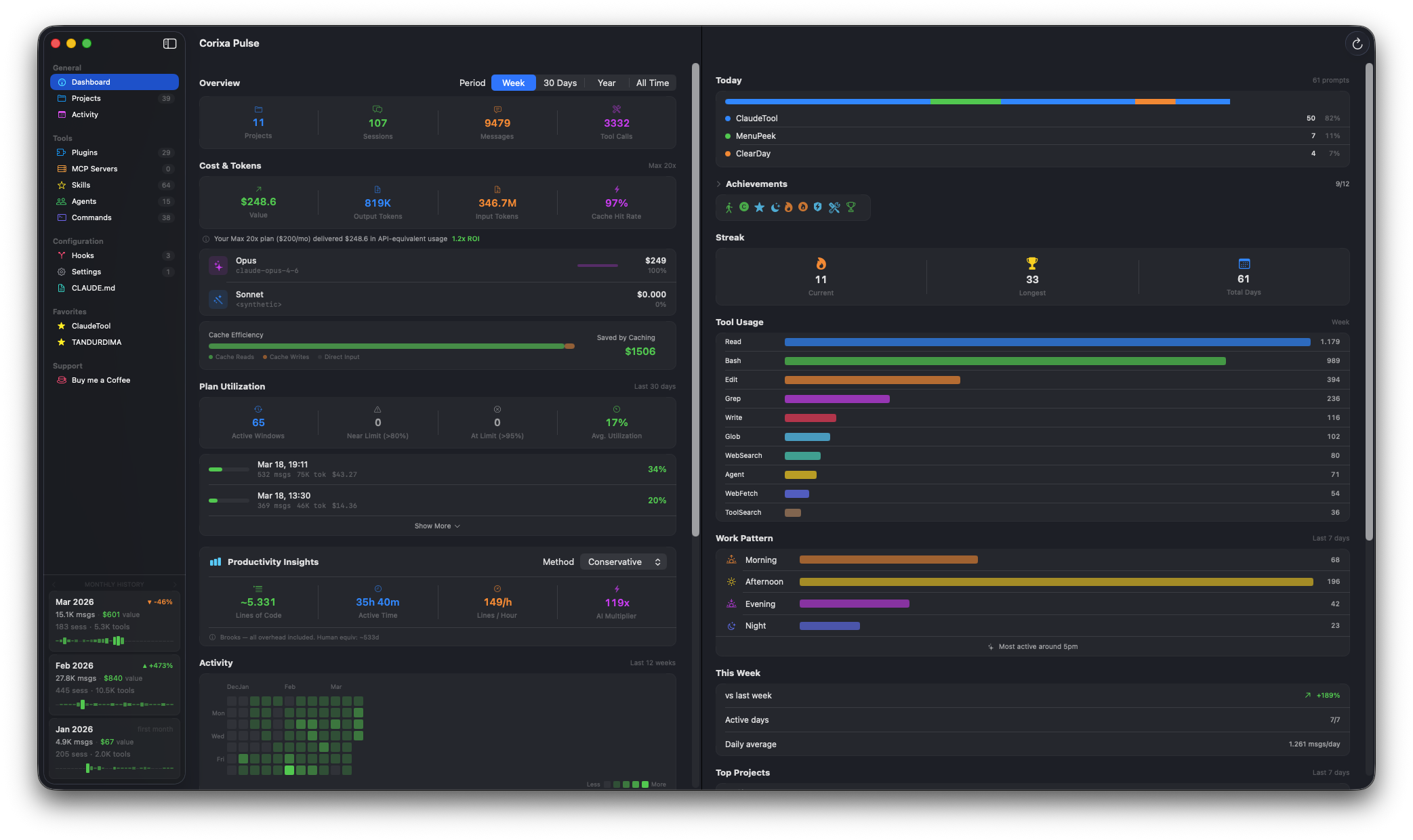
Monthly History Cards: Your Usage at a Glance
Knowing that you have historical data is one thing. Seeing it at a glance is another. Version 1.2 introduces Monthly History Cards — three compact summary cards pinned to the bottom of the sidebar, always visible as you work.
Each card represents one month and displays:
- Messages — total messages sent that month
- Cost — estimated API-equivalent cost for the month
- Sessions — number of coding sessions started
- Tool calls — total tool invocations
- Trend — percentage change compared to the previous month, with an up or down indicator
- Sparkline — a mini daily activity chart showing how usage was distributed across the month
Arrow buttons on either side let you page through your history. Scroll back to January to see how a quiet month compared to a busy one. The cards update automatically as new data comes in during the current month.
This gives you a persistent, at-a-glance view of your usage trajectory without needing to open any settings or navigate to a statistics page. It is always there in the sidebar, quietly keeping you informed.
Backup and Restore: Your Data Survives Anything
Historical statistics are only valuable if you can keep them. Reinstalling macOS, migrating to a new Mac, or even just resetting Corixa Pulse used to mean starting over with a blank statistics slate.
The Support page now includes Export and Import controls for your usage statistics:
- Export saves your complete historical statistics to a file. Store it in iCloud Drive, an external backup, or wherever you keep important data.
- Import restores a previously exported statistics file, instantly recovering your full history.
This is particularly useful when setting up a new Mac. Install Corixa Pulse, import your statistics file, and pick up exactly where you left off — even if the original JSONL session files are no longer available on the new machine.
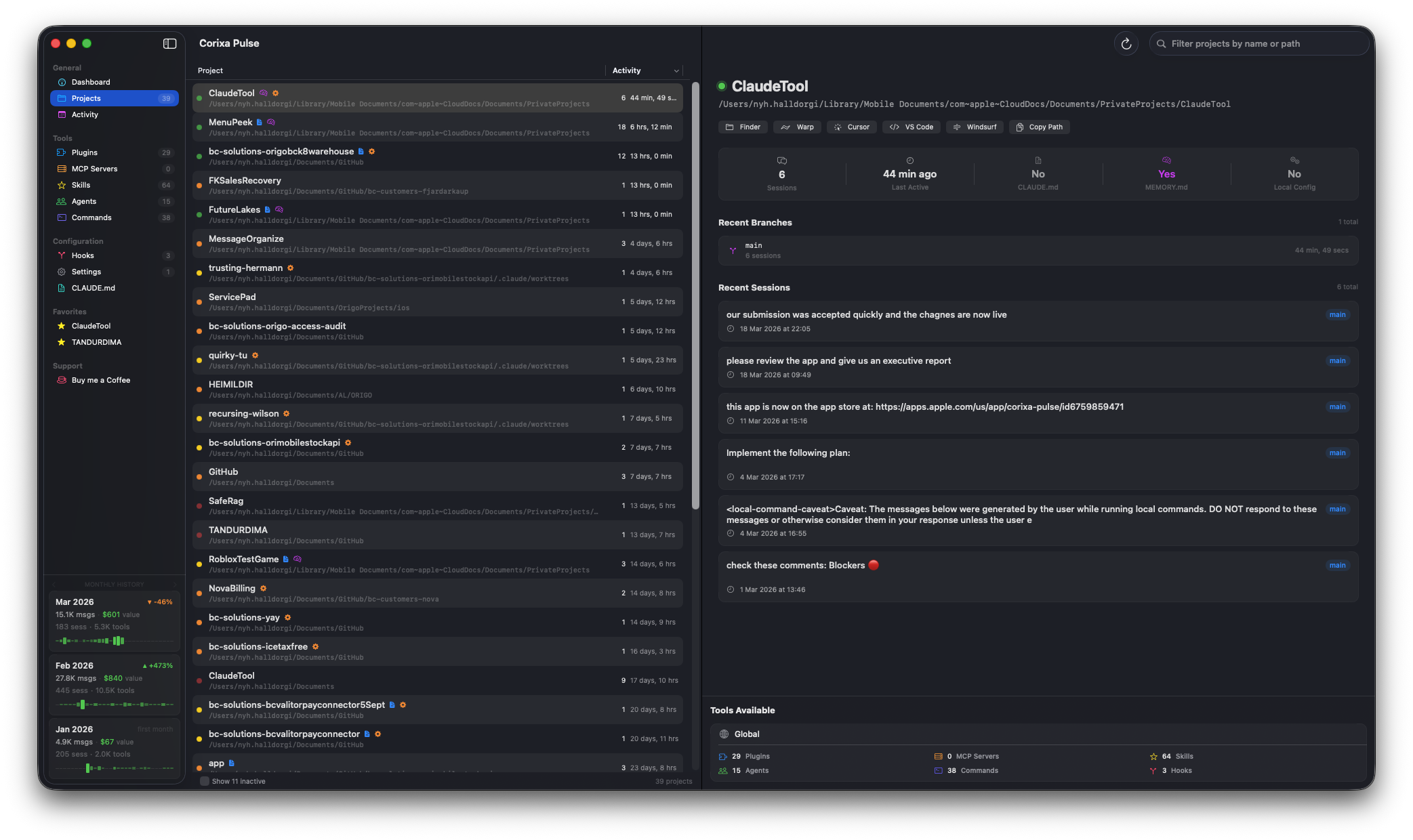
Extended Period Filters: See the Full Picture
Previous versions of Corixa Pulse offered Year and All Time period filters, but they were constrained by the same 30-day data window. Selecting "All Time" showed you 30 days of data — hardly all of time.
With persistent historical statistics, these filters now work as intended:
- Year shows a full 12-month rolling window, drawn from your locally stored history
- All Time aggregates every month of data ever recorded, from your earliest session file through today
Compare your current week to your entire usage history. See whether your Claude Code usage is trending up or down over the long term. Identify which months were your most productive and which tools you have gravitated toward over time.
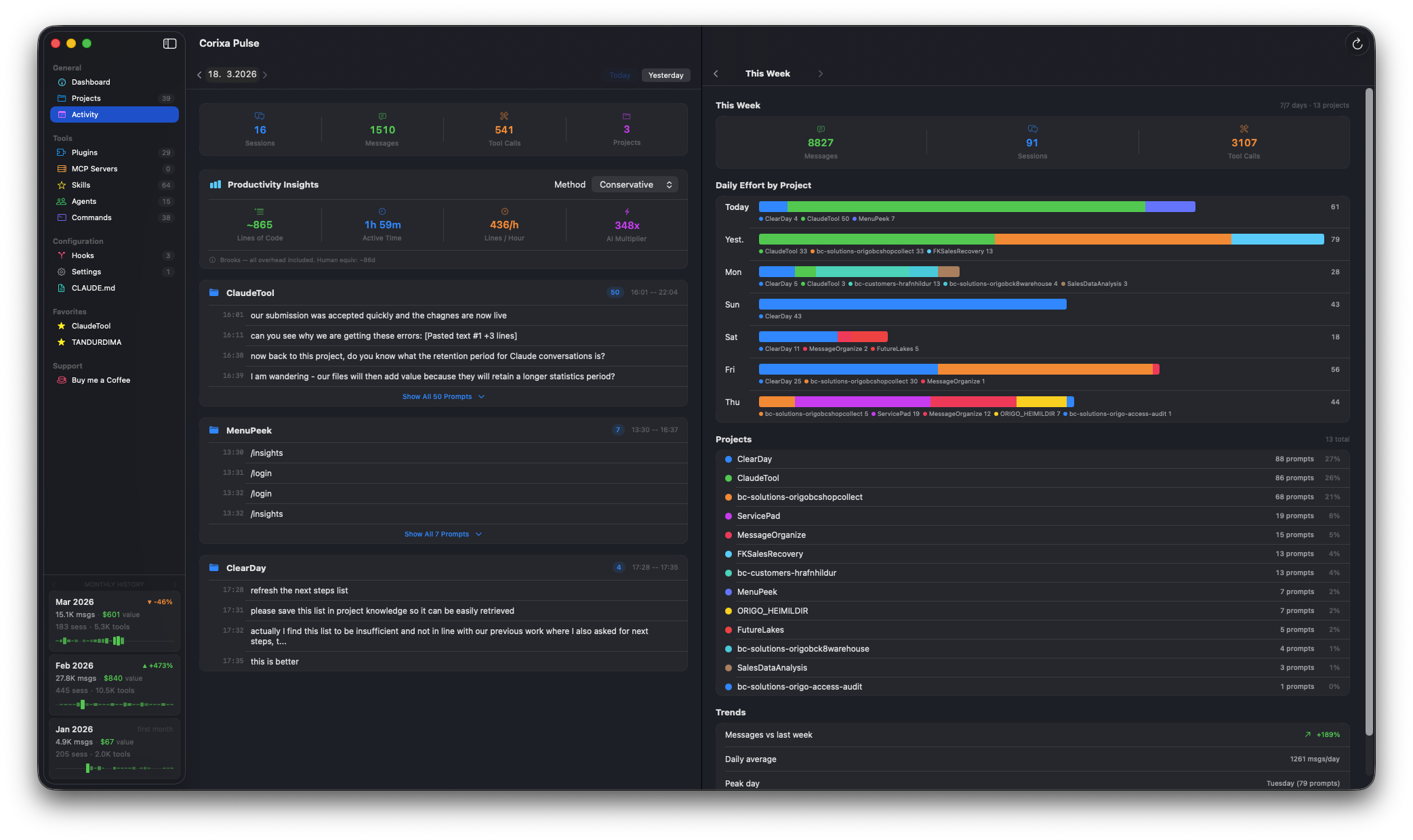
Your Data, Your History
There is an underlying principle at work here: the data generated by your development workflow belongs to you. Anthropic deletes server-side conversation data as a matter of policy — and that is a reasonable privacy practice. But it means the only permanent record of your Claude Code usage lives in the JSONL session files on your Mac.
Those files are the ground truth. Corixa Pulse turns them into structured, queryable statistics that grow more valuable with every passing month. The longer you use it, the richer the picture becomes: seasonal patterns in your coding activity, shifts in which tools you rely on, how your costs evolve as you refine your workflow.
With backup and restore, that history is portable and resilient. It survives hardware changes, OS reinstalls, and the inevitable passage of Anthropic's 30-day retention window. Your usage data is no longer ephemeral — it is a permanent, local asset.
Get started: Update to Corixa Pulse v1.2 from the Mac App Store. The historical rollup runs automatically on first launch — no configuration needed. Your complete usage history will be available within seconds.